3D Picture browsing – details and examples
Flick through many pictures efficiently and
intuitively.
This is a proposition about browsing through many pictures by placing
them favourably and helpfully in a three dimensional space. The user can see
hundreds of pictures at a glance and flick through them intuitively by bringing
the most wanted pictures in the foreground.
Digital cameras have enabled users to take a huge amount of pictures
through their life. Managing such a repository of pictures has become a tedious
task. This method provides a visual solution to this problem. This browsing
method is also applicable to other items that can have a visual representation
e.g. pages, documents, words, files, etc.
The advantage of the method is twofold: a) more pictures can be seen at
once and b) navigation and movement through the images is more intuitive and
pleasant. A comparison of the traditional 2D browsing and this method is
presented in section ‘Comparisons’.
Design diagrams
The placement of the pictures in the 3D space is exemplified by the
following diagrams:
|
|
|
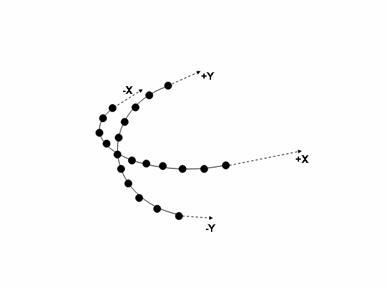
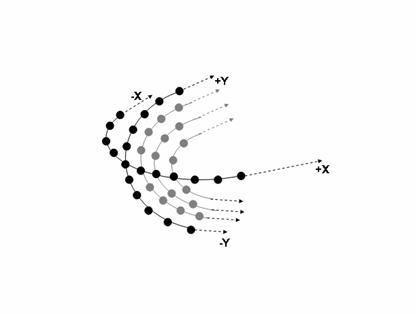
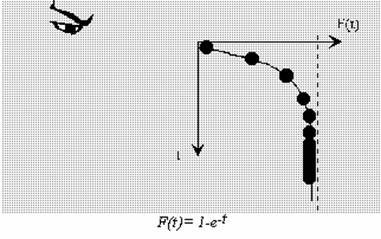
The trajectories above are exponential (see figure below), but a number
of alternative, simpler or more convenient trajectories can be also be used
with similar results.
Alternative trajectories:
Semi-circle and straight line.
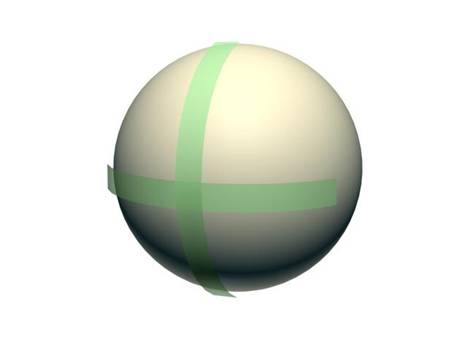
The semicircular (or arc-like) trajectories are exemplified in the
following picture. The trajectories are the green ‘ribbons’:
Screenshots
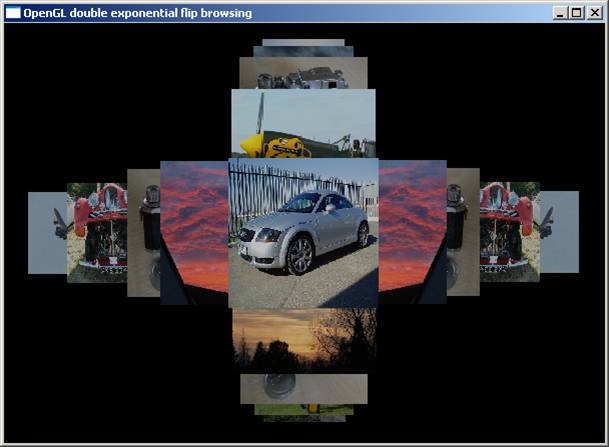
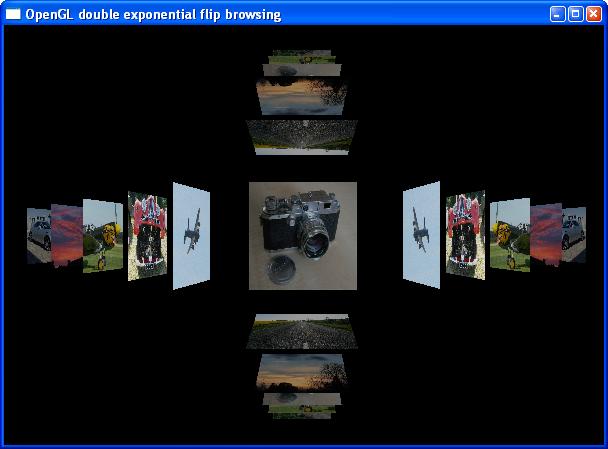
A real representation is shown below in two versions:
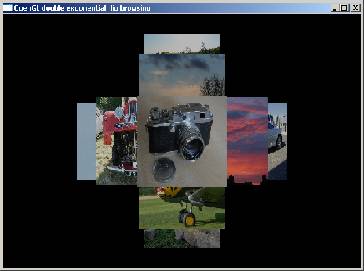
a) all pictures are placed fully faced to the viewer:
b) all pictures except the central are placed oblique to the user (the
following pictures are not optimised yet and more pictures need to be added):
|
|
|
Videos and animation
Circular browsing
video, emulating exponential browsing (windows media 9 format)
Downloads
Windows versions of the early demo is available here
for download:
exponential
trajectory (zipped files, 1.3 MB)
please note that the demo is just an early demonstration and proof of
concept. It is by no means a well behaved and finished method and there are
many limitations to it. When changing rotation direction (e.g. vertical from
horizontal) the central picture needs to be the original one.
the following represents an
early stage of development where the pictures move only on a circular
trajectory. It’s present here just because it was fun!
circular
trajectory (zipped files, 1.3 MB)
Instructions:
Unzip and leave the files in the designated folder. All files need to be
on the same directory.
Use the keyboard arrows to rotate the pictures up-down and left-right.
The following keys are used to explore the geometry of the design:
‘Insert’, ‘Delete’ rotate the whole scene left-right (over the vertical
axis.)
‘Home’, ‘End’ rotate the whole scene up-down (over the horizontal axis.)
right mouse click causes all pictures except the central to be placed
oblique/askew.
Comparisons
A comparison between two dimensional picture browsing (as it appears in
Microsoft Windows XP and most of other contemporary operating systems and GUIs)
and the three dimensional, exponential method is
presented here.
|
microsoft windows XP explorer |
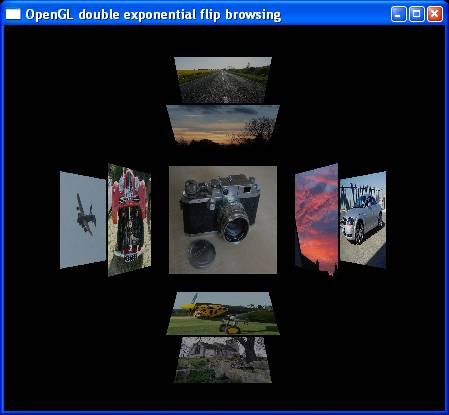
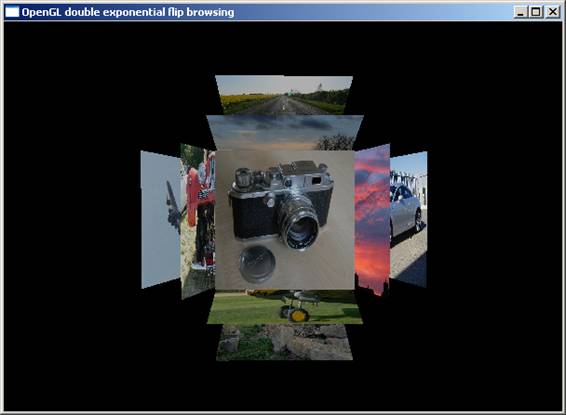
exponential 3D placement (straight
and oblique versions) (pictures to be optimised) |
|
|
|
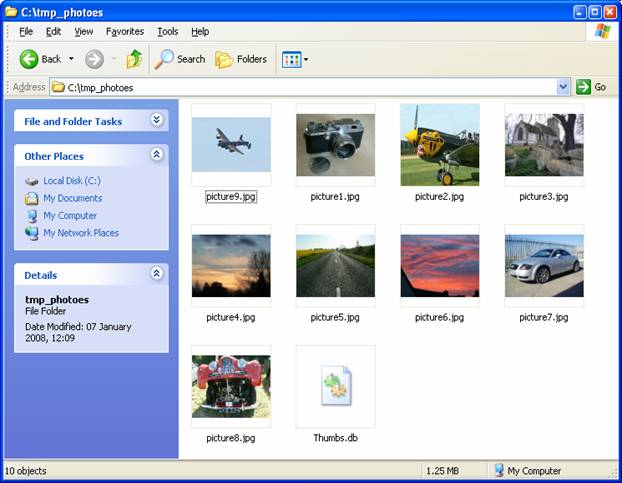
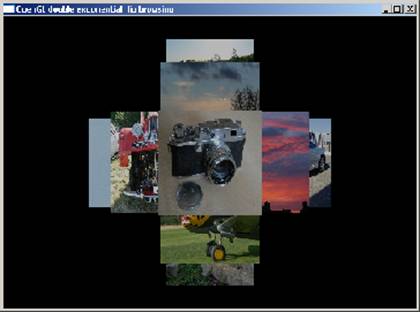
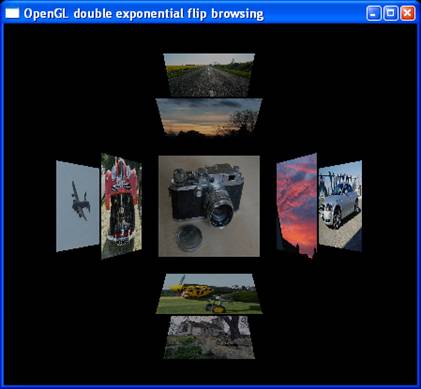
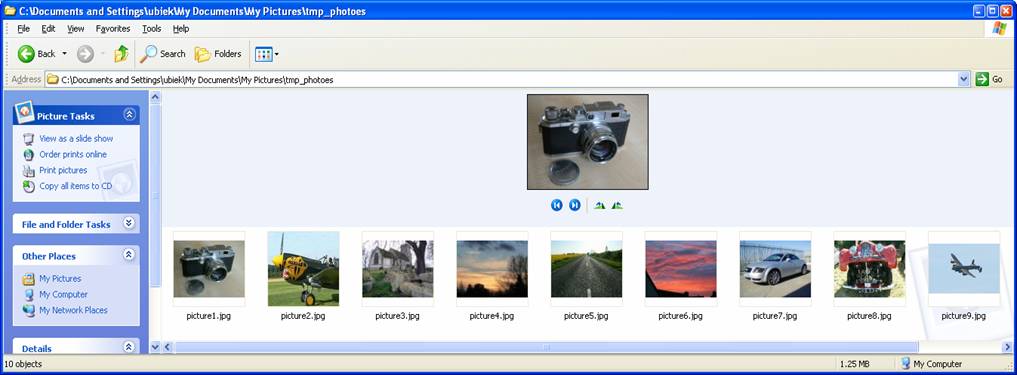
A very first observation is that the three dimensional method saves a
lot of space and focuses on one central image. All images except the central
image appear smaller due to the perspective projection of the three dimensional
space. Although the images are smaller and oblique the user is able to perceive
and ‘see’ more pictures at a glance exploiting the ability of the brain to
‘see’ and process images in three dimensions.